The Ultimate Media Player for Samsung Smart TV
AirPlayX is a powerful media player app for Samsung Smart TV. Connect your own media sources and enjoy seamless playback. We're just the player - you bring the content.
Why Choose AirPlayX for Your Samsung TV?
Stream your favorite channels, movies, and series using your own M3U link — all in one sleek app.
Samsung Smart TV
Built exclusively for Samsung Tizen Smart TVs. Enjoy smooth performance and a modern media interface made for your screen.
Live TV & VOD
Stream live TV, movies, and series from your personal M3U provider — all organized in one place.
M3U Playlist
Upload or paste your M3U link to access all your channels and video-on-demand instantly.
Simple Activation
Register your device in seconds with your unique ID and start watching right away.
HD Quality
Enjoy crystal-clear HD streaming for every channel and movie you love.
Easy Activation
Get started quickly — contact us and we'll activate your device. Simple and hassle-free setup.
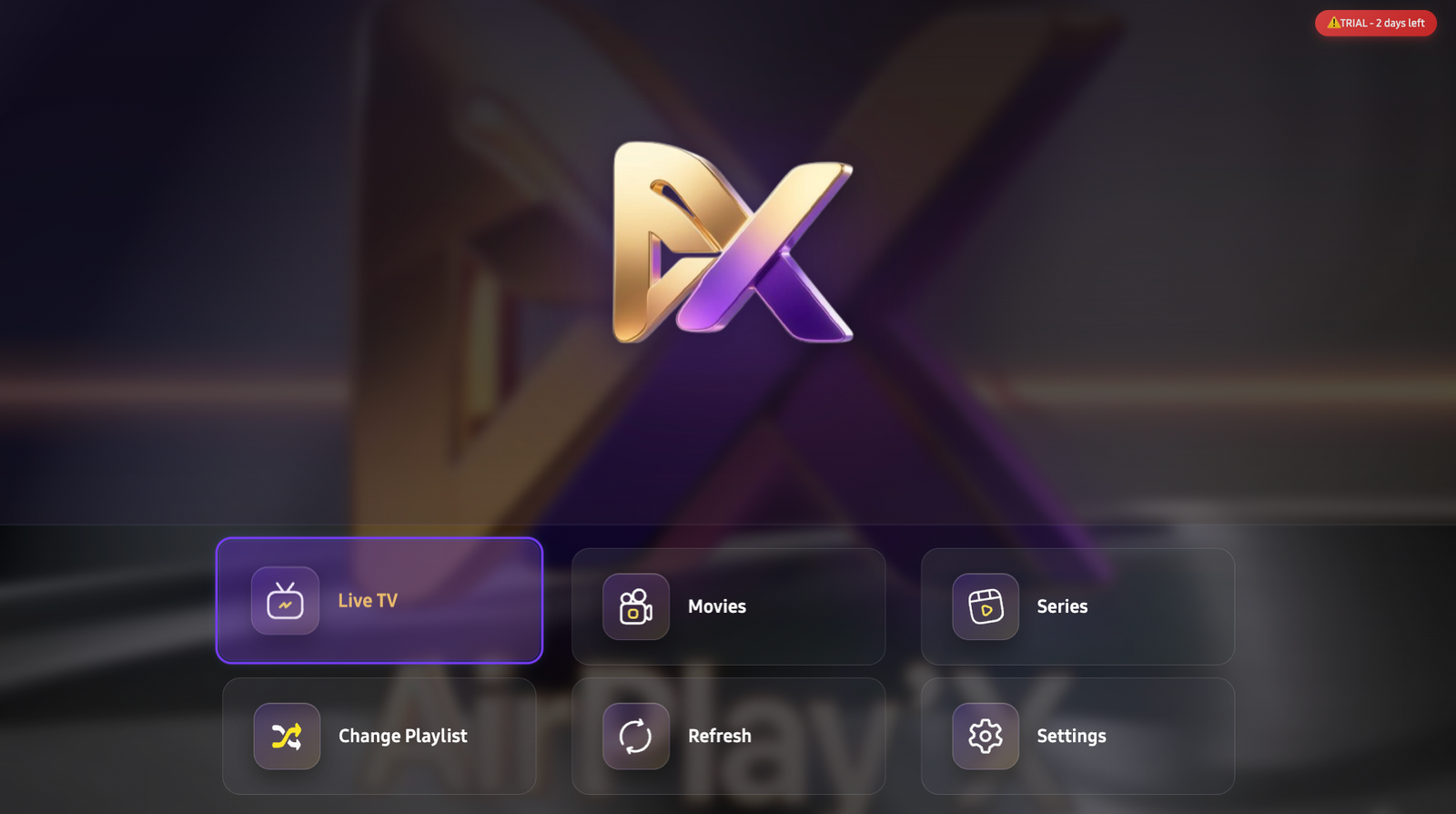
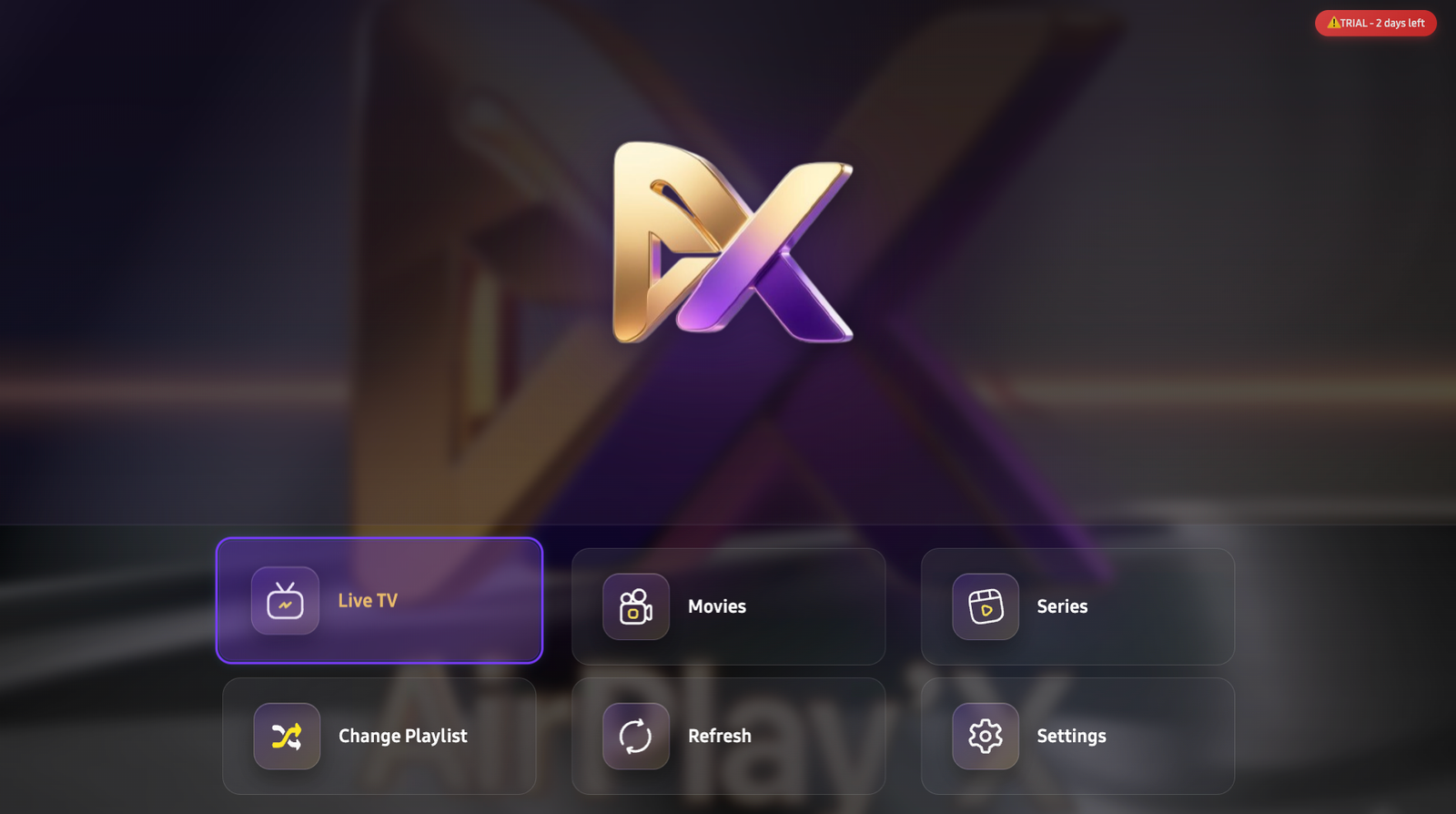
See AirPlayX in Action
Real screenshots from the Samsung TV app
Get Started in 3 Easy Steps
Setup takes less than 5 minutes
Download AirPlayX
Install the AirPlayX app on your Samsung Smart TV from the app store. Quick and easy installation.
Get Your Device ID
Open the app and note your unique device identifier displayed on the screen.
Activate & Stream
Register your device on our platform, add your playlist, and start watching instantly.
Get Started with AirPlayX
Contact us to activate your device
What You Get
Full Samsung TV App
Complete access to all AirPlayX features
HD Streaming
Crystal clear quality for all content
M3U Support
Connect your own playlist provider
Contact Us
- Full app functionality
- HD streaming quality
- M3U playlist support
- Dedicated support
- Easy activation process
- Fast response time
We typically respond within 24 hours
How It Works
Download App
Install AirPlayX on your Samsung TV
Register Device
Enter your unique device ID
Start Watching
Enjoy test channels immediately
Frequently Asked Questions
Everything you need to know about AirPlayX
Important Legal Notice
AirPlayX is a media player application only.
We DO NOT provide, sell, host, or distribute any streaming services, channels, content, or streams.
You must provide your own content:
- ✓ Legal media source required
- ✓ You are responsible for content legality
- ✓ We don't endorse piracy
- ✓ Neutral technology platform
By using AirPlayX, you agree to use it only with legal content sources and comply with all copyright laws.
What is AirPlayX?
+AirPlayX is a media player application for Samsung Smart TVs. We provide the VIDEO PLAYER only - not content or services. You need your own legal media content from a licensed source. Think of it like VLC player, but optimized for Samsung Tizen OS.
How do I get started with AirPlayX?
+Download the app on your Samsung Smart TV, note your unique device ID shown on screen, and email us at support@airplayx.online with your MAC address and device key. We'll activate your device and get you started.
What is a device ID and where do I find it?
+When you open AirPlayX, a unique device identifier appears on screen. You'll need this to register and activate your app on our website. It's usually displayed on the main screen or in the settings menu.
Can I use my existing content provider?
+Yes! AirPlayX is compatible with any M3U-based playlist from your preferred content provider. Simply add your playlist URL during activation and start streaming your content.
Is AirPlayX difficult to set up?
+Not at all! We've designed AirPlayX to be simple enough for anyone to use. The setup process takes less than 5 minutes and involves just 3 easy steps: download, get your device ID, and activate.
What devices does AirPlayX support?
+Currently, AirPlayX is available exclusively for Samsung Smart TVs running Tizen OS. We're working on expanding to more platforms in the future. Stay tuned for updates!
Do you sell streaming services or content?
+NO. We only provide the media player app. We do NOT sell, provide, host, or distribute any streaming services, channels, or content. You must have your own legal media content from a licensed source. AirPlayX is just the tool to watch your content - like how VLC or Windows Media Player work on computers.
How does activation work after I contact you?
+Once you email us your MAC address and device key, we'll activate your device. You'll then be able to connect your own content provider's M3U playlist and start streaming on your Samsung Smart TV.
Ready to Transform Your TV Experience?
Contact us today to get started with AirPlayX on your Samsung Smart TV.